Meet Sigil
Updated
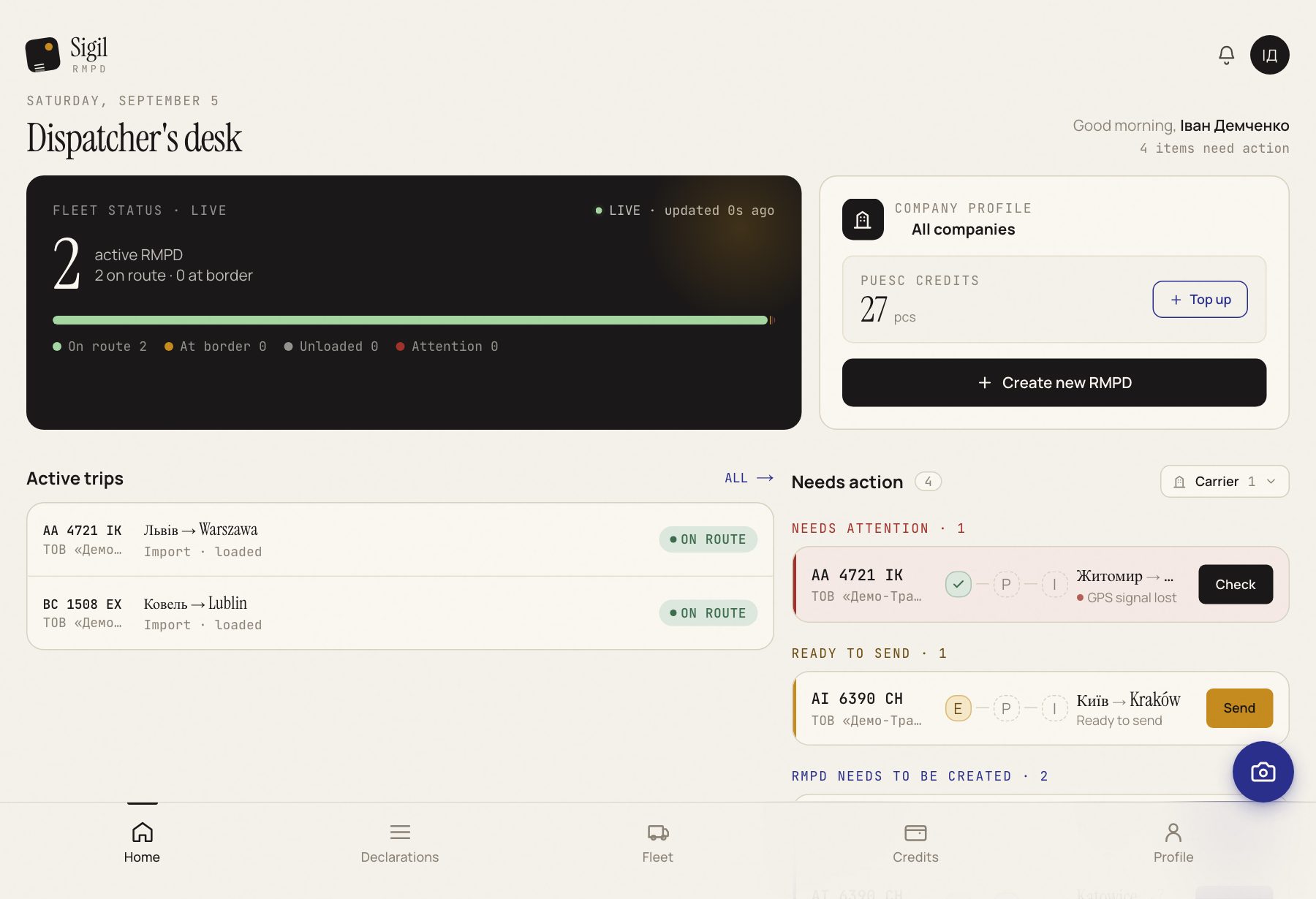
Sigil turns a photo of a CMR into an RMPD declaration, files it with PUESC, and then keeps watch on whether the truck is moving with GPS. You check the data and press the buttons. Sigil does the rest.
How it works
- You photograph the CMR and upload the photo.
- Sigil reads the document and fills in the RMPD fields: sender, consignee, tractor, trailer, route.
- You compare the fields with the paper and mark that everything matches.
- Sigil files the declaration with PUESC and receives the RMPD number.
- While the truck is on the road, Sigil checks whether PUESC can see its GPS and warns you when the signal is gone.
What Sigil does for you
- reads CMRs, printed and handwritten;
- converts Cyrillic to Latin wherever PUESC requires Latin;
- fills in your carriers, tractors, trailers and EKMT books from previous trips;
- checks that the mandatory fields are filled in and shows where the error is;
- files, updates and cancels RMPDs without signing in to the PUESC portal;
- shows the status of every declaration and the GPS state on one list.
What Sigil does not do
Sigil never corrects the data from the CMR on its own. The fine is for a difference between the CMR and the declaration, so what goes into the declaration is what is printed on the CMR, and the last word is always yours. Without your tick that everything matches 1:1, the declaration does not go out.
Where to start
Connect your PUESC account and sync your history. Then: First sign-in and setup, then Creating an RMPD.
See also
A demo or training for your team
30 minutes online. We show how Sigil™ files an RMPD from a CMR and answer questions about your runs.