What Sigil can do
Updated
Everything Sigil can do, on one page. Every item links to its instructions.
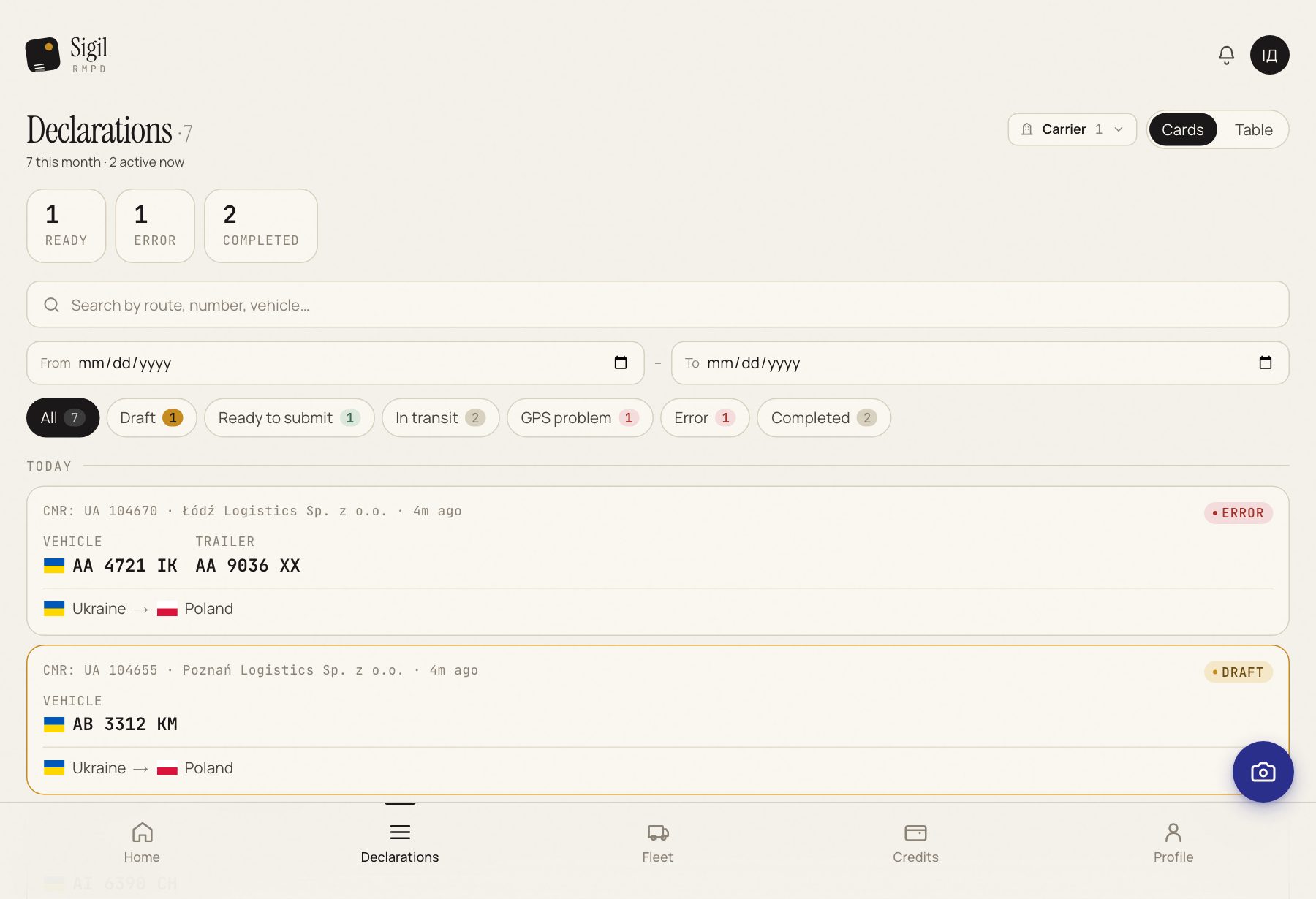
Declarations
- RMPD from a CMR photo. Upload a photo or a PDF and Sigil fills in the fields. Instructions.
- Filing with PUESC with one press of Submit to PUESC. The RMPD number appears in Sigil on its own.
- Updating a filed RMPD with the Modify button, no declaration key and no portal. Instructions.
- Cancelling with Cancel declaration and a choice of reason. Instructions.
- Empty run with one press from the previous RMPD: the starting point fills itself in. Instructions.
- Statuses on one list: Draft, Ready to submit, In transit, GPS problem, Completed, Error. What each one means.
PUESC
- 365 days of history are pulled from PUESC after connecting: declarations, tractors, trailers, locators, senders, consignees.
- RMPDs registered on the portal appear in Sigil too. How and when.
- The status at PUESC is checked with Check status on the declaration page.
GPS
- For every transport In transit, Sigil asks PUESC whether it can see the locator and shows the answer.
- When the signal is gone, the declaration gets the GPS problem mark, and you get an e-mail and a notification in the bell.
- The Check location button asks PUESC right now.
Reference data
- Fleet: tractors, trailers, locators. Added in advance or right while creating an RMPD. Instructions.
- EKMT books: number, carrier, validity. Instructions.
- Several carriers on one account, each with its own declarations and fleet.
- Transliteration: Sigil converts Cyrillic to Latin itself and offers spelling variants.
Interface
- Four languages: English, Ukrainian, Polish, Russian. How to switch.
- Works on a phone like an app. How to add it to the home screen.
See also
A demo or training for your team
30 minutes online. We show how Sigil™ files an RMPD from a CMR and answer questions about your runs.