Checking RMPD statuses
Updated
The status sits in every row of the Declarations list and on the declaration page. Here is what each one means and what to do about it.
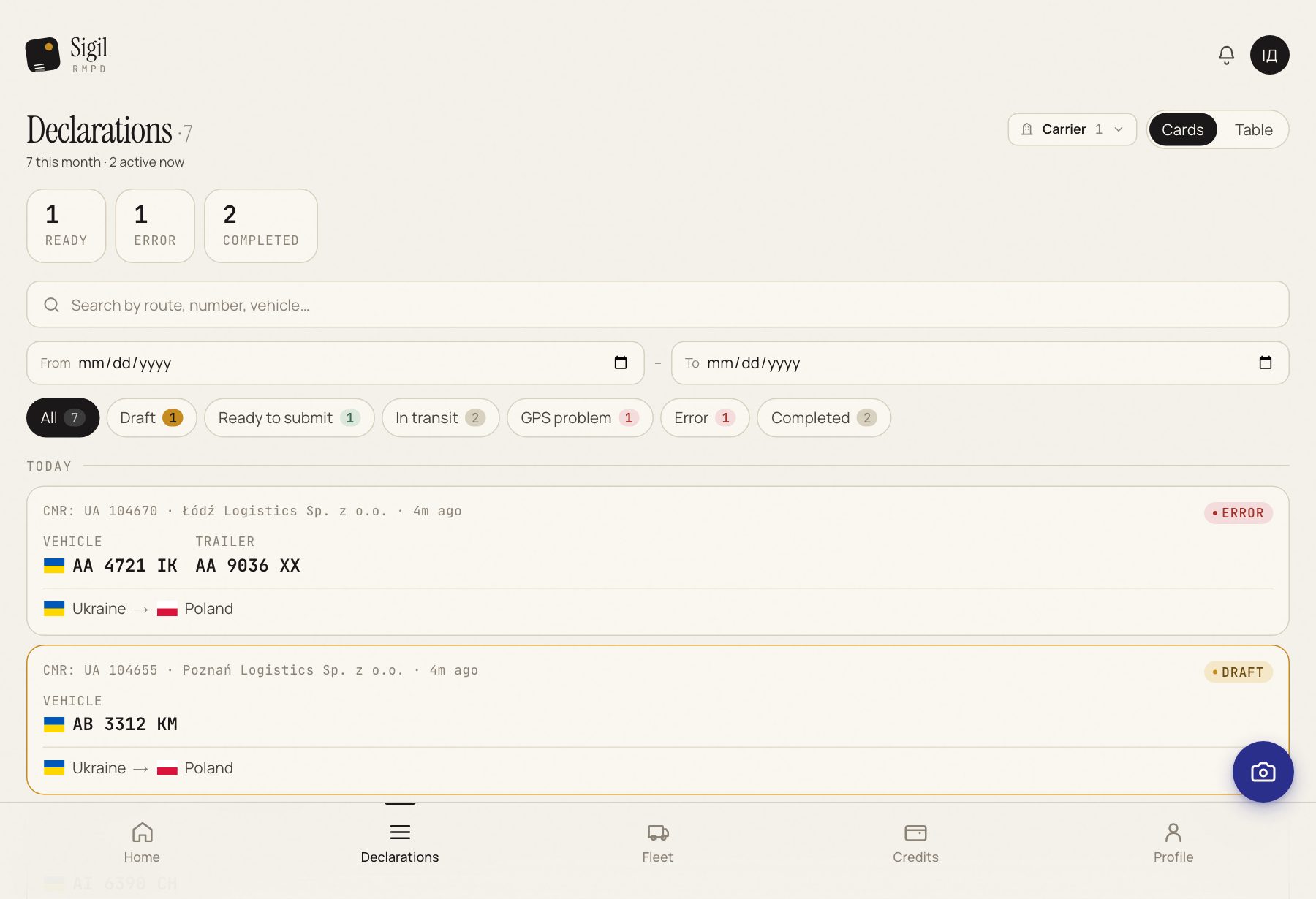
- Draft Sigil has read the CMR; you have not confirmed 1:1 yet. → Open, check, press All fields match — mark as Ready.
- Ready to submit Confirmed, not sent to PUESC yet. → Press Submit to PUESC.
- Submitted Sent to PUESC, no RMPD number yet. → Wait a minute. Sigil asks PUESC by itself.
- In transit PUESC has registered it, the number is there, the truck may go. → Nothing. Sigil watches the GPS.
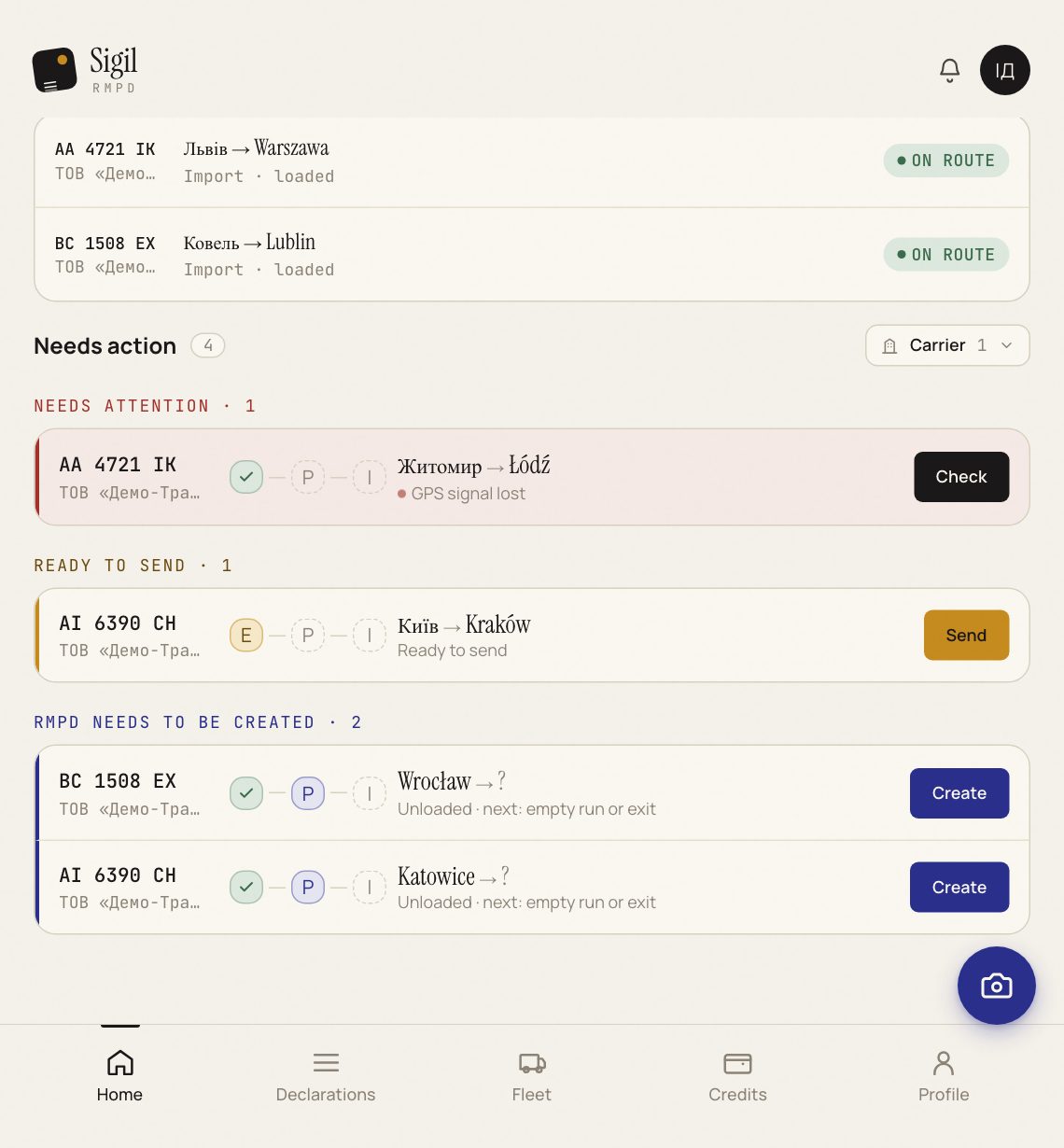
- GPS problem PUESC cannot see this truck's locator. → Stop, check the locator, Check location.
- Completed The transport is over: the window ran out or the next RMPD of this tractor went out. → Nothing. It stays in the history.
- Cancelled You cancelled, PUESC confirmed. → A new trip needs a new RMPD.
- Error PUESC rejected it. The reason is written on the declaration page. → Fix and submit again.
How to find the right ones
At the top of the list are filter buttons with the same names: press GPS problem and you see only the trucks without a signal. If the account has several carriers, there is a carrier filter too.
If the status looks stale
Open the declaration and press Check status. Sigil asks PUESC right now and shows the answer.
If Error
- Open the declaration. The PUESC refusal reason is written in words under the status.
- Press Move to drafts and fix the field PUESC points at.
- Confirm 1:1 and submit again.
Not clear what to fix: copy the sentence with the reason and write to support.
What stands behind each status in the PUESC register, when a filing can be amended and when only closed, is in the knowledge base: RMPD100, 101, 103, 104 and which document to file when.
See also
A demo or training for your team
30 minutes online. We show how Sigil™ files an RMPD from a CMR and answer questions about your runs.