Creating an RMPD
Updated
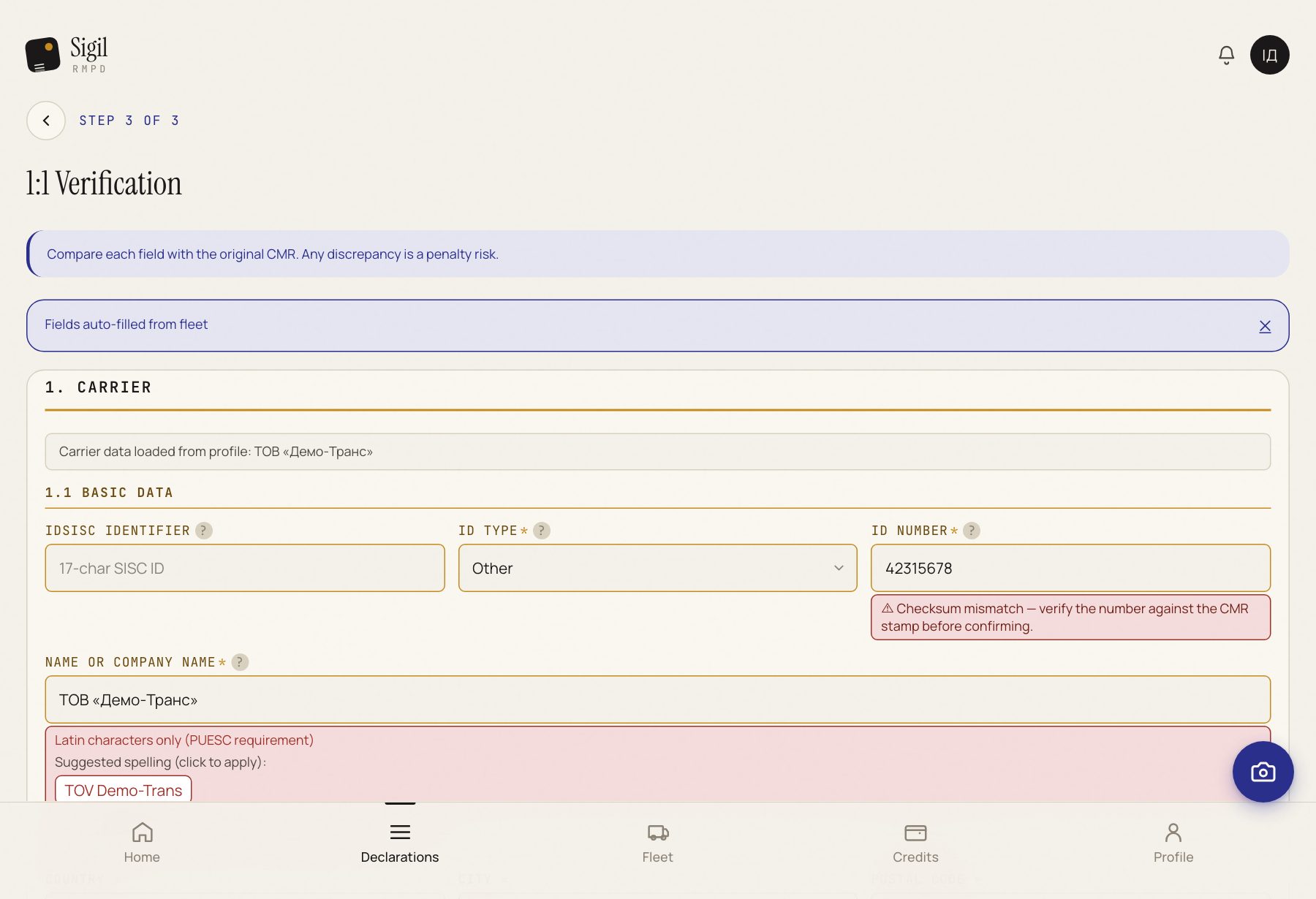
This is how you make a declaration from a CMR photo. Sigil reads the document and fills in the fields; you check them with the paper in hand and mark them ready.
- On the declarations list press Create new RMPD.
- Drag the CMR photo or PDF into the frame or press choose a file. Then Upload CMR and scan.
- Wait until the truck on the screen reaches the end. A form opens with the fields Sigil has read.
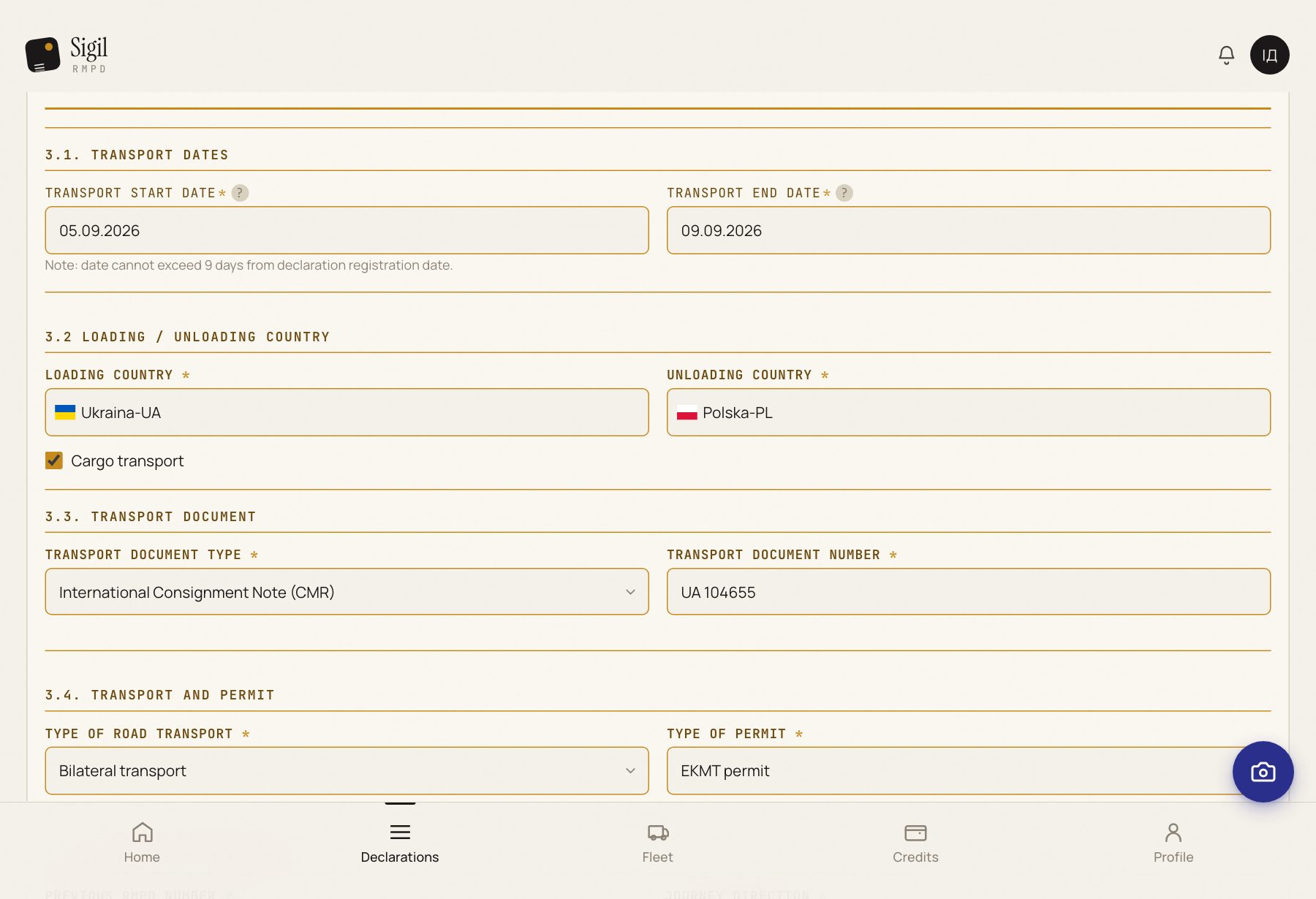
- Check the direction: where the load is coming from and going to, which countries. The rest of the form depends on it.
- Check the carrier. If you have several, pick the one that is actually hauling.
- Check the tractor and trailer plates against the CMR. Especially when they are handwritten or under a stamp on the CMR.
- Check the sender and consignee: name, address, country. As printed on the CMR, even with a mistake.
- Check the start and end places of the transport. If Sigil asks you to confirm a point on the map, find it and press it.
- Fill in what the CMR does not have: the EKMT book if you are driving on one, and Remarks to the declaration if something must be passed on to customs.
- Tick I confirm that all data above matches the physical CMR document 1:1. and press All fields match — mark as Ready.
What happens next
The declaration gets the status Ready to submit. Press Go to submission → and then Submit to PUESC. After the PUESC answer the status becomes In transit.
If something is wrong
- The ready button does not work. Scroll the form up: the field that must be filled in or fixed is highlighted in red.
- Sigil read something other than what is on the CMR. Fix it by hand right in the field. Sigil never changes your data on its own.
- You need to put it aside. Press Save as draft and come back when convenient: the declaration will be on the list with the status Draft.
The fine is for a difference between the CMR and the declaration. So copy from the paper one to one, even if you can see the CMR has a mistake.
Which CMR box goes into which field of the declaration, and what the CMR lacks, is in the knowledge base: How CMR data get into an RMPD, field by field.
See also
A demo or training for your team
30 minutes online. We show how Sigil™ files an RMPD from a CMR and answer questions about your runs.