Syncing with PUESC
Updated
Once PUESC is connected, Sigil pulls your declarations, their statuses and your vehicles from it on its own. This page says exactly what it pulls and when.
How to connect
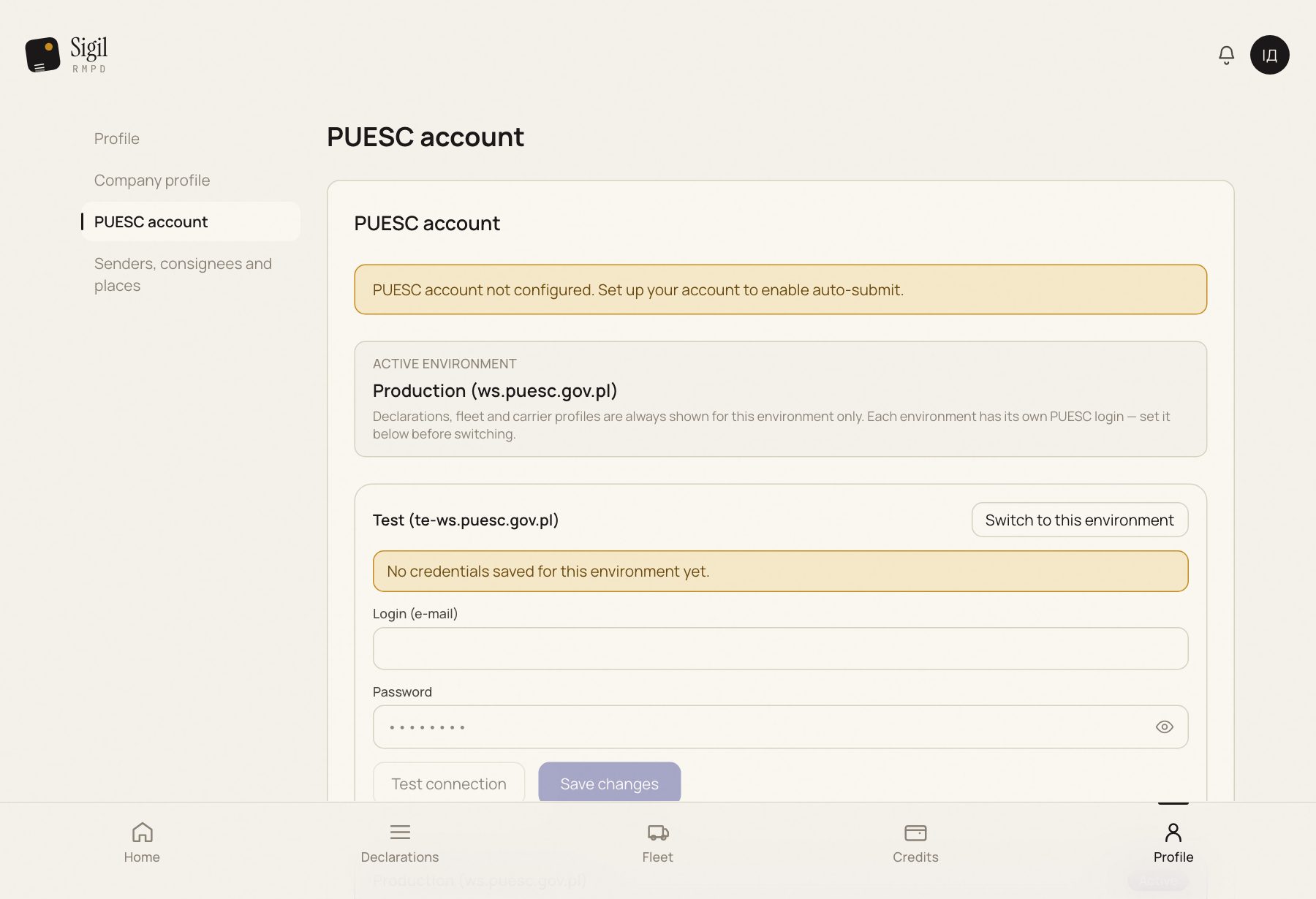
- Open Profile → PUESC account.
- Enter the PUESC Login (e-mail) and Password, press Save changes.
- Press Test connection. Sigil tries to sign in to PUESC with your credentials and tells you whether it worked.
- Press Sync history (365 days). It takes about 15 minutes in the background.
What the history sync gives you
- Your declarations from the last year appear in Declarations with their statuses.
- Tractors, trailers and locator numbers from them go into Fleet.
- Senders, consignees and addresses become suggestions in a new declaration.
- The EKMT books you drove on appear in the company profile.
When Sigil keeps the data fresh afterwards
- After every action of yours in Sigil. Filed, updated, cancelled: the PUESC answer arrives in seconds or minutes and the status changes by itself.
- Every night around 02:00, once the history is synced. Sigil pulls from PUESC the documents of the last three days that it has not seen yet. This is how RMPDs registered directly on the PUESC portal reach Sigil: registered during the day, visible the next morning.
- During the trip. Every 8–30 minutes Sigil asks PUESC about the GPS of active transports. If PUESC has closed or cancelled the declaration, the status changes with that same answer.
What to do by hand
- You need to see a portal-registered RMPD now, not in the morning: Sync with PUESC on the declaration page or Sync history (365 days) in the PUESC account.
- You doubt a status: Check status on the declaration page.
Sigil does not keep a separate copy of PUESC. The declaration lives in PUESC; Sigil shows it and works with it on your behalf.
See also
A demo or training for your team
30 minutes online. We show how Sigil™ files an RMPD from a CMR and answer questions about your runs.