Adding a trailer
Updated
This is how you add a trailer or semi-trailer. A trailer has no locator, so this is the shortest form in Sigil.
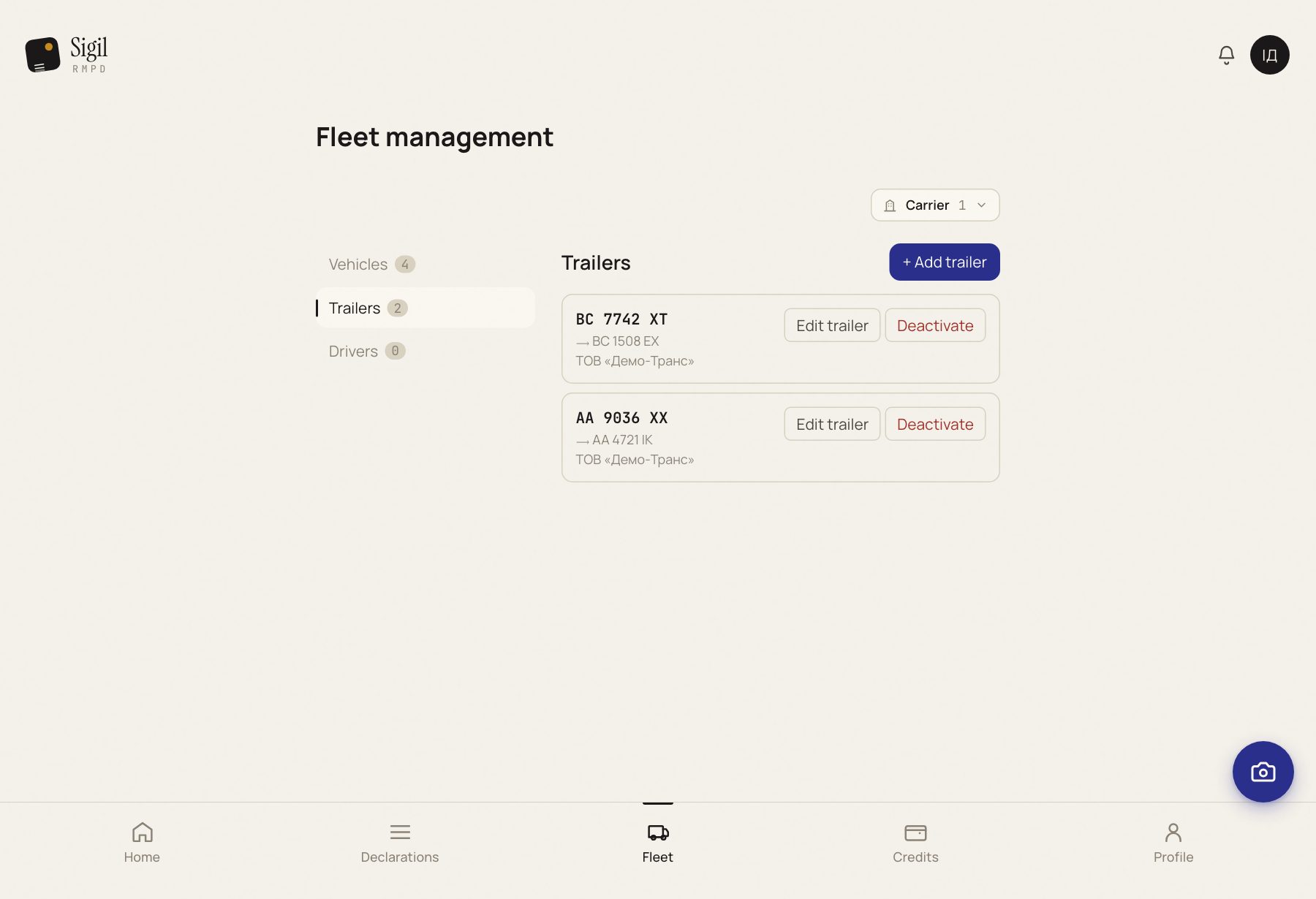
- Open Fleet and go to Trailers.
- Press Add trailer.
- Trailer plate: no spaces, exactly as in the registration document.
- Reg. country: choose from the list.
- Press Save.
What happens next
In the next declaration Sigil recognises the trailer by the plate from the CMR. If a tractor always runs with this trailer, open the tractor and set the trailer as its pair: then it is filled in even when it is not visible on the CMR.
Adding straight from a declaration
If Sigil has read a trailer plate from the CMR that is not in the fleet, an offer to add it appears under the field. One press and it is saved.
If something is wrong
- The plate does not save. Cyrillic or a stray character. Latin letters and digits only.
- This trailer already exists. Look under "Archived": it may have been deactivated. Restore it instead of adding it a second time.
See also
A demo or training for your team
30 minutes online. We show how Sigil™ files an RMPD from a CMR and answer questions about your runs.