Changing your details
Updated
This is how you correct your first and last name, for example from Cyrillic to Latin. Two minutes.
- Press your name in the top right and choose Profile.
- In the "Your profile" block enter First name and Last name in Latin letters, as in your passport.
- Press Save changes. "Profile saved." appears.
What happens next
The new name goes into section 8 of the next RMPD. Declarations already filed do not change.
Carrier data
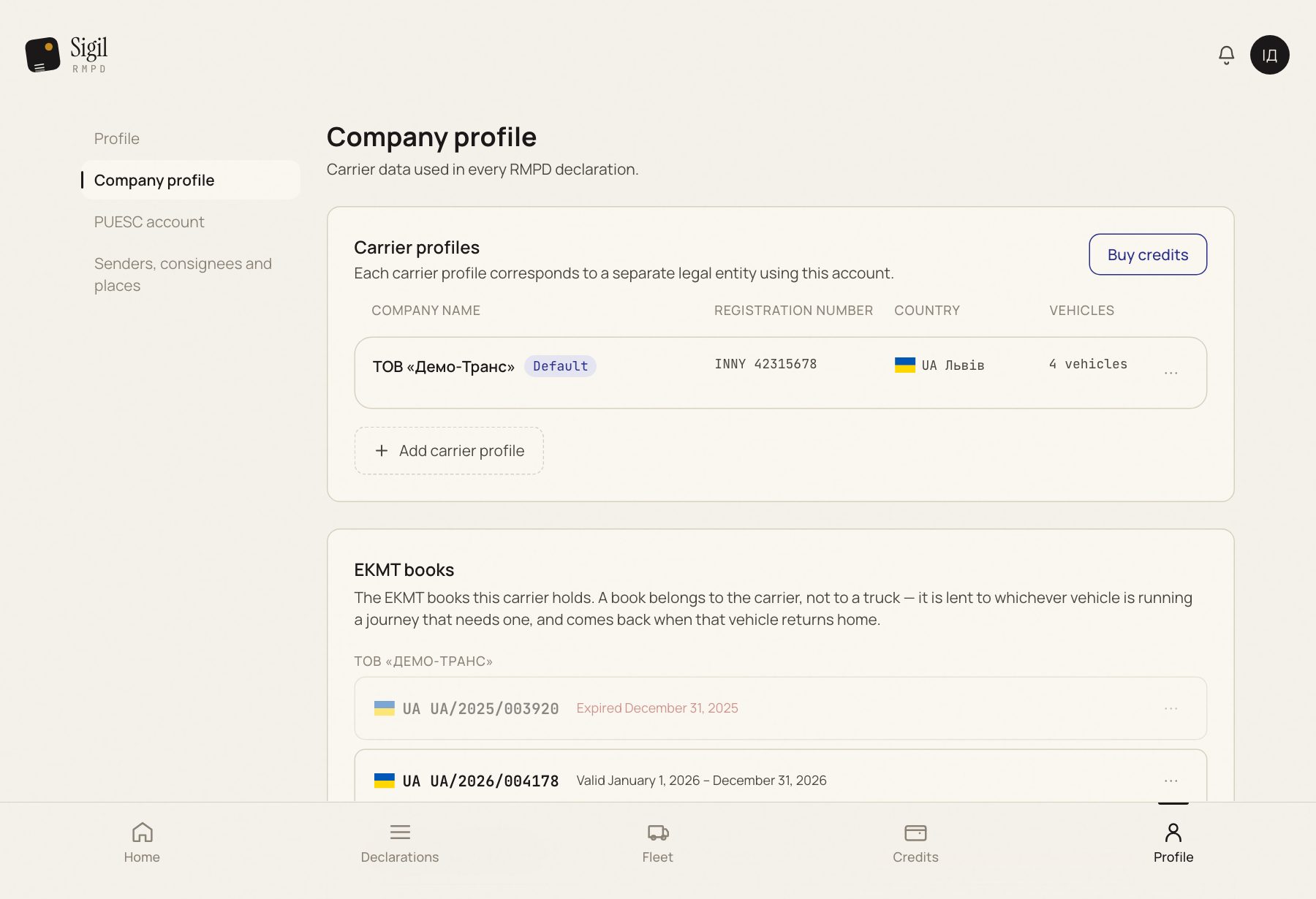
The carrier's name, address and registration number are not here but in Company profile → "Carrier profiles". There is an Edit button next to each carrier. That data goes into section 3 of the RMPD, so after a change check it against the carrier's documents.
If something is wrong
- "This name contains characters RMPD does not accept." You entered Cyrillic or special characters. Rewrite in Latin letters.
- The Save changes button is inactive. Nothing has changed or a field is empty.
See also
A demo or training for your team
30 minutes online. We show how Sigil™ files an RMPD from a CMR and answer questions about your runs.