An empty truck arriving with no CMR
Updated
Watch the videoThis is how you file an RMPD when the truck enters Poland empty, to load here. There is no CMR yet. If the cargo is already on board, this is the wrong page. Create the declaration from a photo of the CMR.
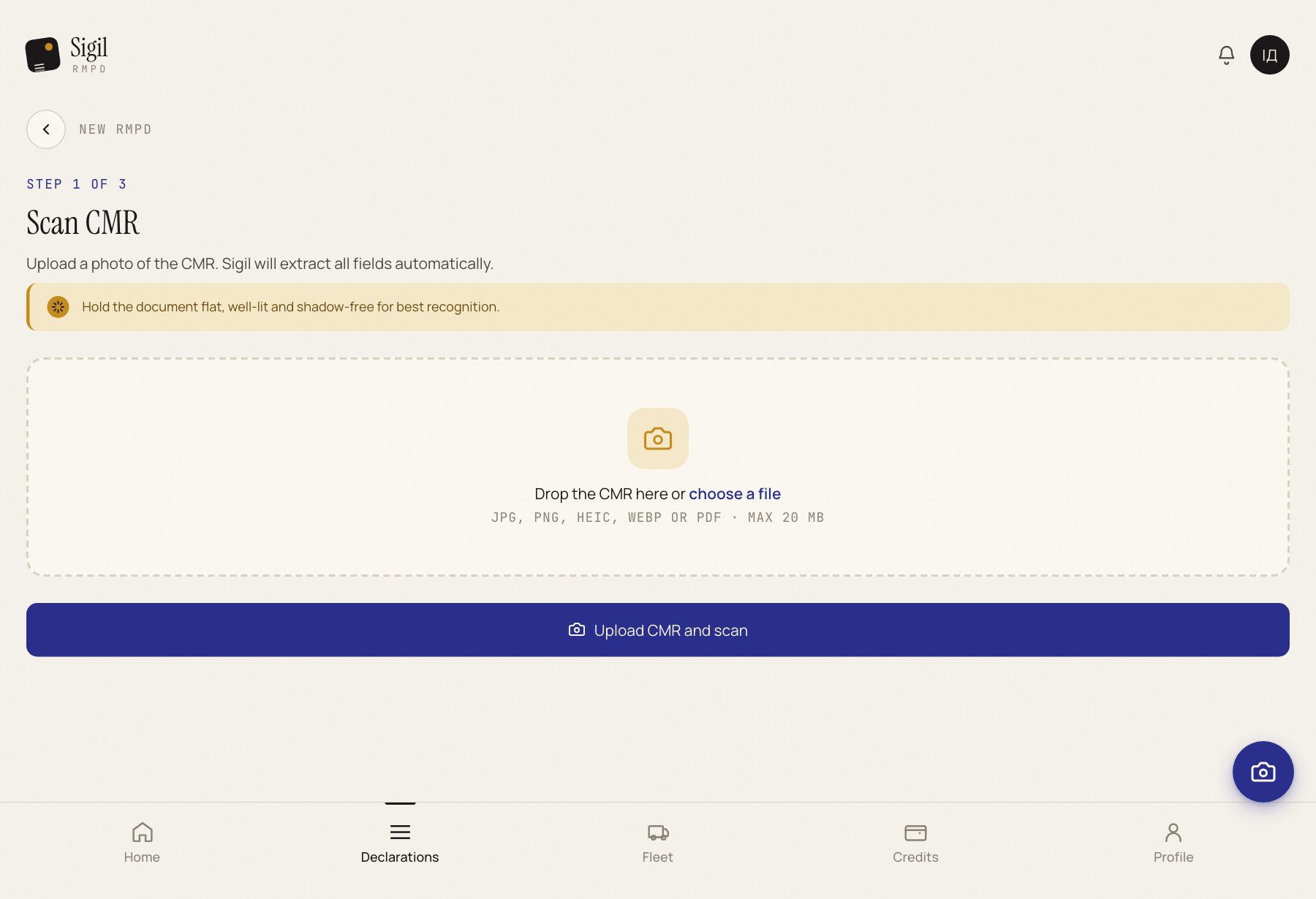
- Press Create new RMPD.
- Under the scan form, press Create an RMPD for an empty entry, no CMR.
- Enter the vehicle and the route. Press Create draft and fill in the RMPD.
- Fill in the border crossing, the loading address and the permit. Check them against the loading order the driver carries.
- Tick I confirm that the data above is correct. This is an empty run, it carries no cargo and no CMR. and press All fields match, mark as Ready.
- The declaration becomes Ready to submit. Press Go to submission →, then Submit to PUESC.
What happens next
Once PUESC answers, the status becomes In transit. The RMPD number appears on the declaration card.
If something is wrong
- There is cargo. Upload the CMR. Do not file a loaded trip without a CMR.
- The ready button does nothing. Scroll the form up: the field to fill in is highlighted in red.
- “Could not create the draft.” Check the vehicle and the route and press again.
See also
A demo or training for your team
30 minutes online. We show how Sigil™ files an RMPD from a CMR and answer questions about your runs.